Apple relay emails silently failing?
I've lost my mind this week to an intermittent email bug with iCloud relay emails. I couldn't easily find this solved online - so here goes.
LT;DR If you use:
- Postmark or any email service provider
- Allow customer to customise email
FROMaddresses, e.g.[email protected] - Have Apple ID login on your thing
- Want to send email to your customers (probably a given)
- You need to setup SPF & DKIM in the DNS (as you should probably know)
- You also need to whitelist each customised address with Apple
- If you don't, email looks like it's recieved but silently fails
Apple ID social login
My booking SaaS platform Jammed has Auth0 authentication, and like most we offer Google and Apple 'social' logins as well as user/password. Once signed up, customers get email reminders and booking confirmations as you'd expect, but for a growing proportion of our base those using Apple login users weren't getting their emails.
When a customer signs up using their Apple ID, they get the (default) option to 'hide my email' - a service I use myself a lot. This email is a proxy address that redirects mail to the customer's inbox to protect privacy. So far so good.
Postmark says they are delivered
Jammed uses Postmark for email delivery, and in the debugging for why these emails aren't being recieved, searching for recipients offers no clues. In the activity we see this for a customer who says they've not receiving email.
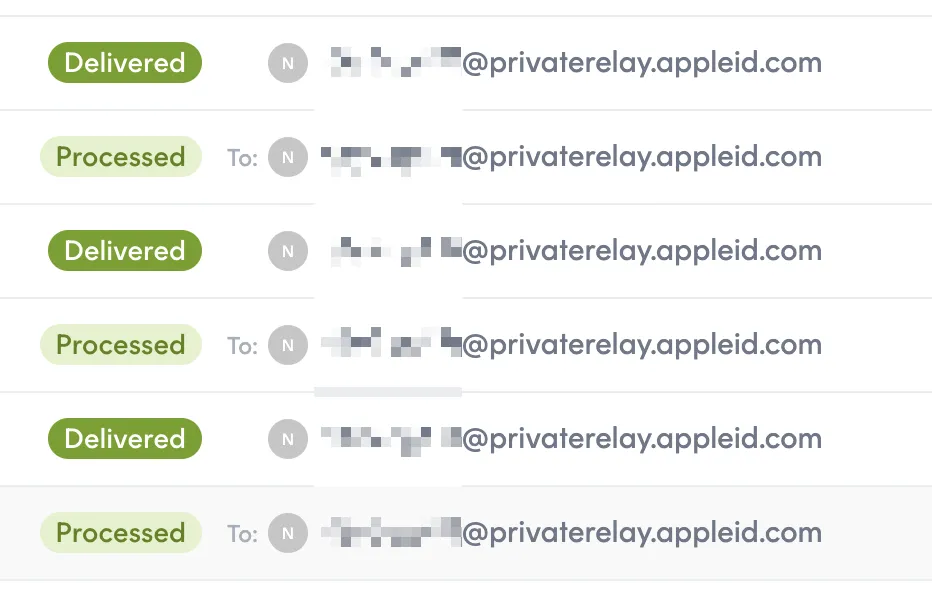
The email is sent?
To make matters more confusing, we have other customers that are happily recieving, opening and clicking within these proxied emails.
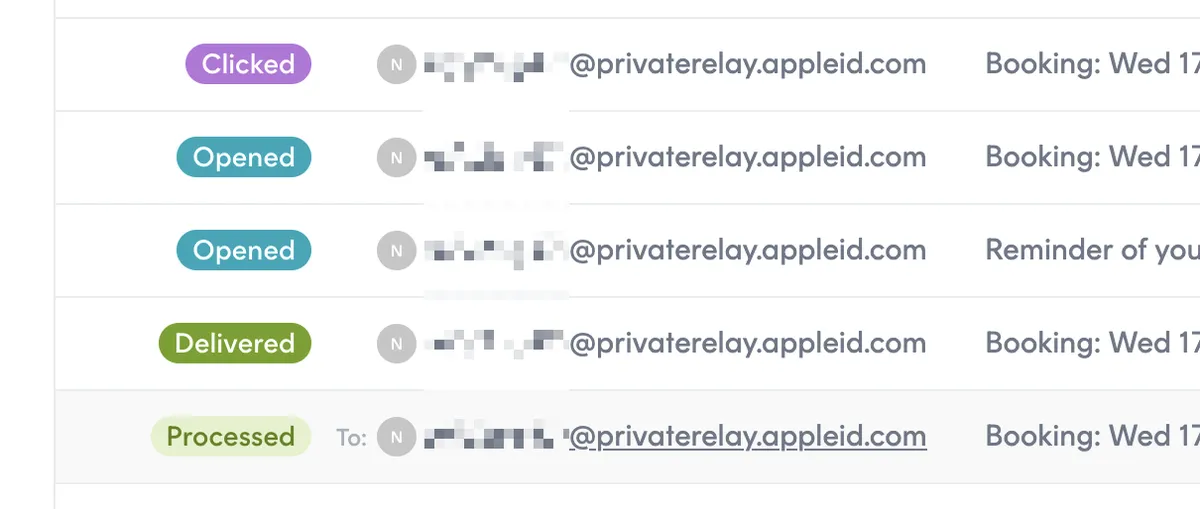
So what the hell gives?
How Apple proxied the successful emails
One of the people it was sending email successfully to... was me. So i could read the headers of these emails coming in, and this is the critical part. When the inbound emails are processed Apple rewrite the headers of this email completely, including the FROM header.
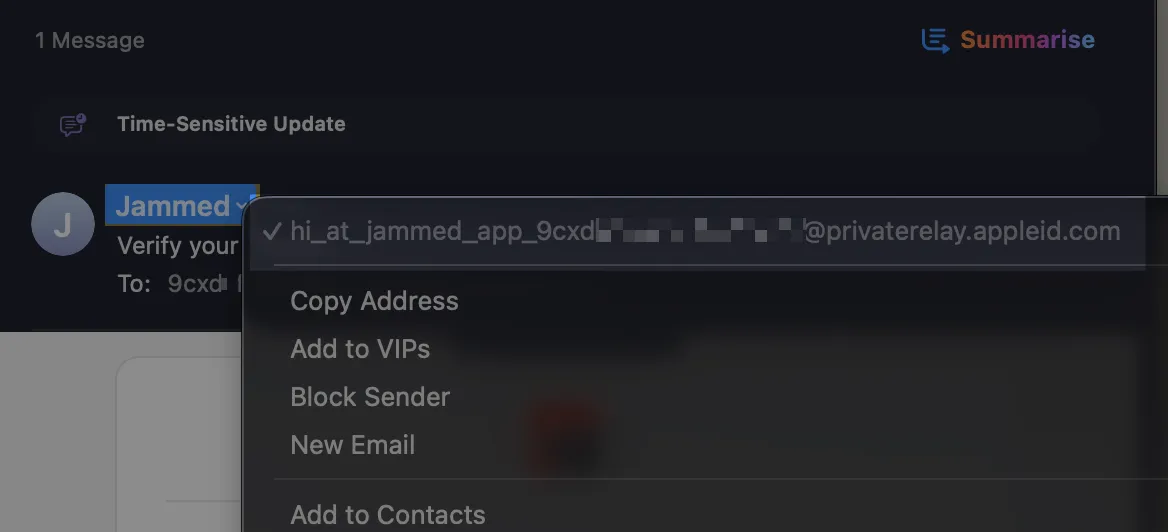
In the headers is kept the originating DKIM from the original sending FROM address. Apple then verify the SPF TXT record and DKIM of the originating email sending, before rewriting the email header, adding the iCloud's own DKIM and SPF records.
Since the FROM address is rewritten, they append the iCloud DKIM headers so this mail isn't rejected later by local mailbox rules (or on the server).

To rewrite then, they validate the originating email sender (through SPF & DKIM), but also go one step futher with these proxied emails (and not with 'Hide my email'), and also assert that **the originating service has whitelisted the FROM address.
How Jammed handles email
Jammed provides studios with an easy way to send email as their studio's own address, email replies then go straight to them and not bounce or to me. Ideal.
For this setup we use Postmark's Sender Signatures API, that then changes the FROM address to a validated email. We also guide them into setting up DKIM and a custom bounce-return path CNAME for the best email deliverability...
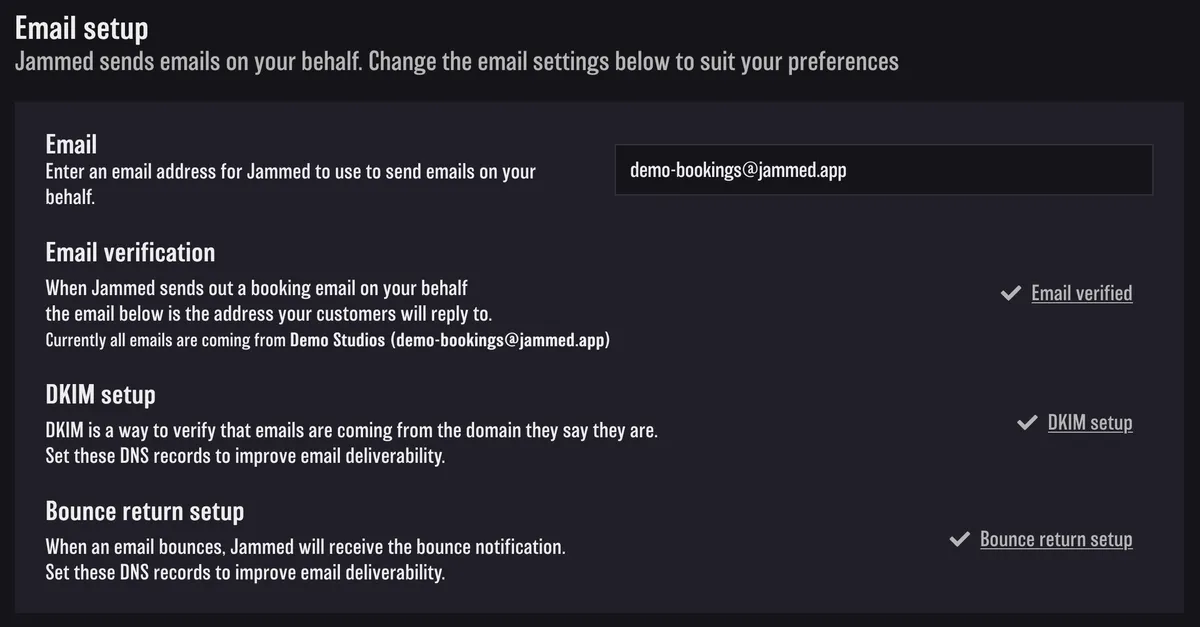
I then found these iCloud proxied emails were silently failing only for studios that had customised their FROM address. Progress!
Whitelist the senders
I then found this in the arse end of Apple's devloper docs around ('Configure private email relay service')[https://developer.apple.com/help/account/capabilities/configure-private-email-relay-service/]. In this usefully hidden tome, we find this article around how to actually send email to these addresses:
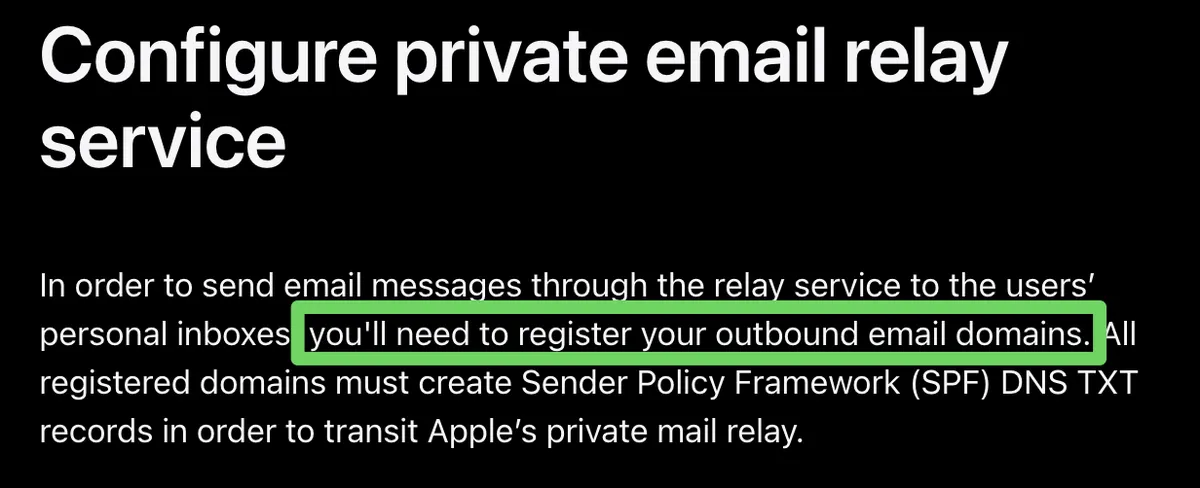
Apple 'Hide my email' vs. 'Private relay'
On OSX and iOS, Apple provide two ways to proxy your email address.
A 'Hide my email' email is always @icloud.com and is just an alias of your email that anyone can send to.
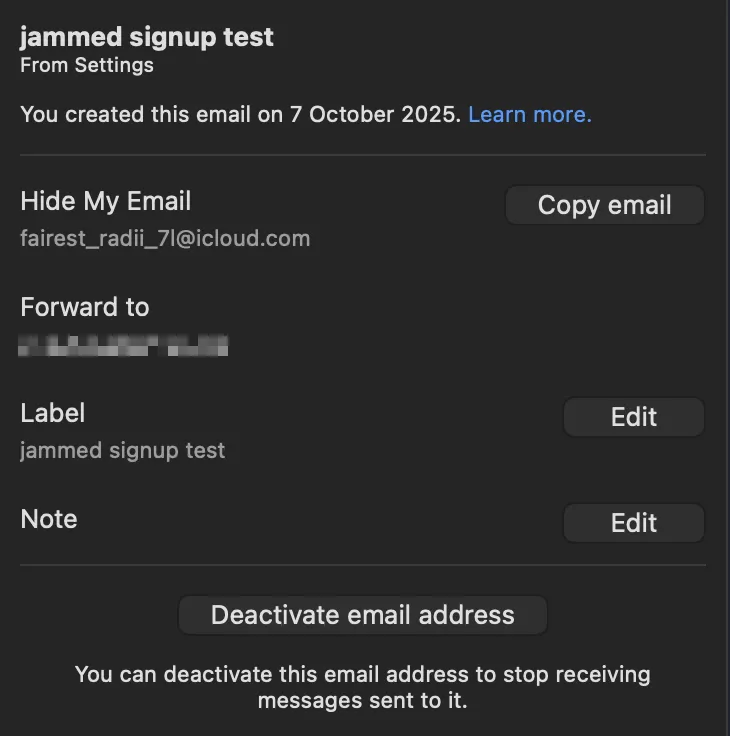
A private relay email is only available to 'Sign in with Apple' and listed separately. It is always @privaterelay.appleid.com - no one else can email this address, other than service that it's assigned to.
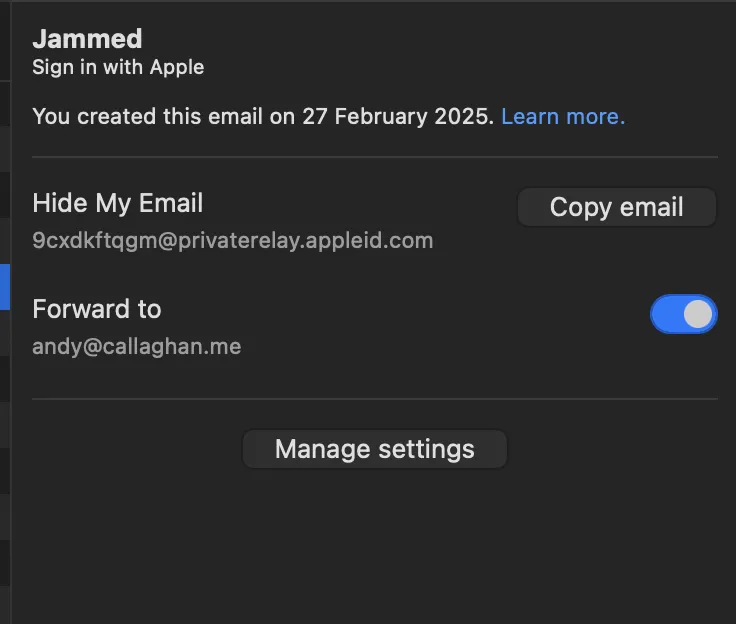
So I added these emails to this whitelist, and these emails are now being recieved as they should be. Just in time for a Christmas break.